


Description
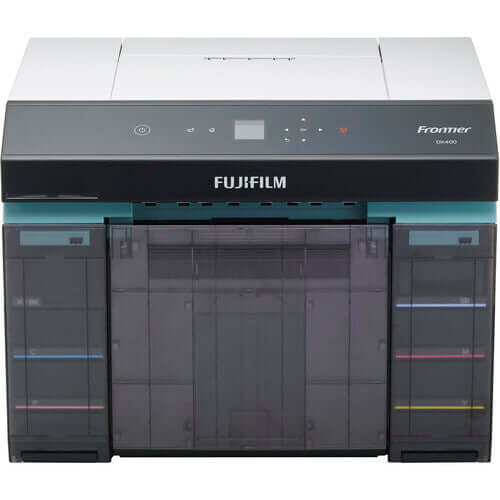
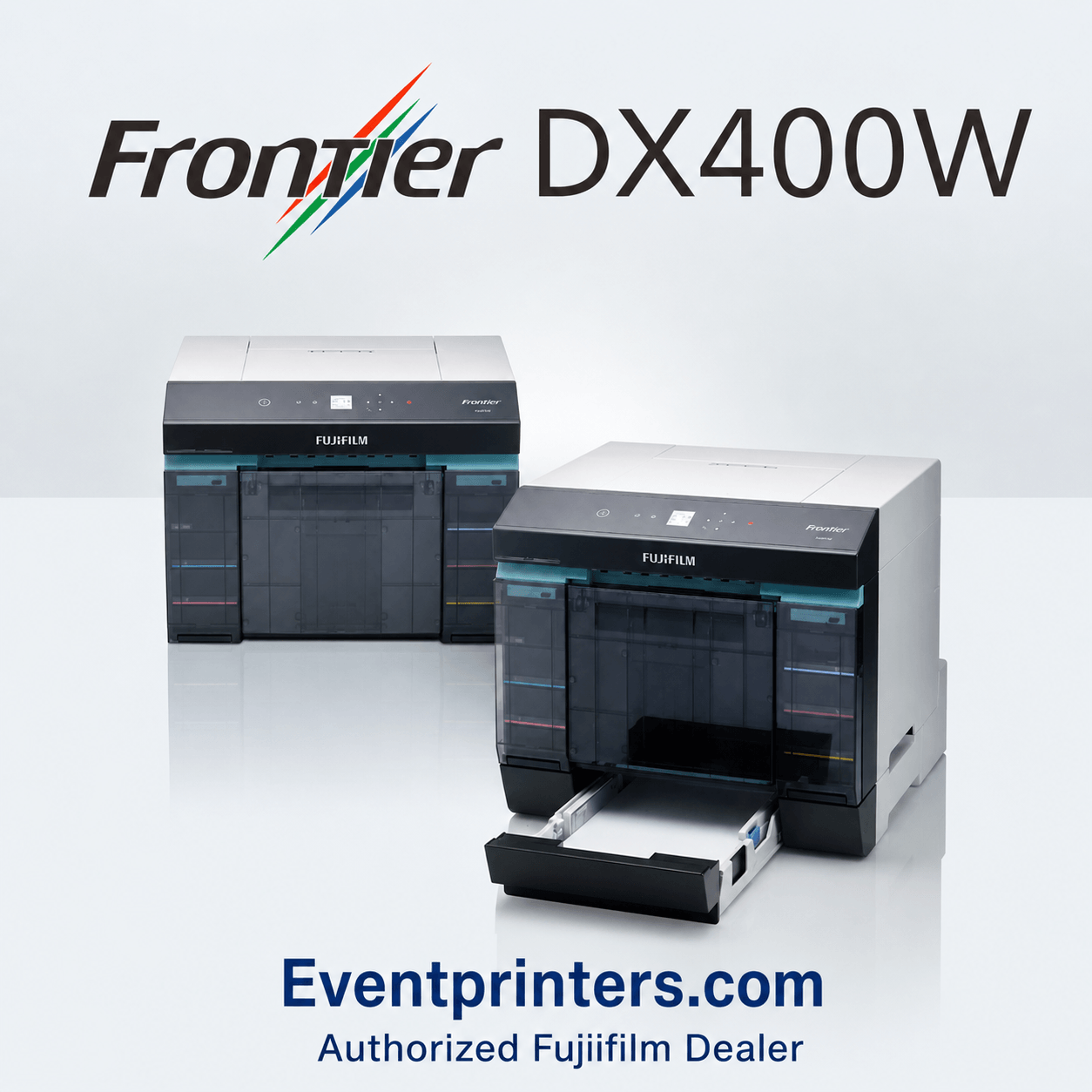
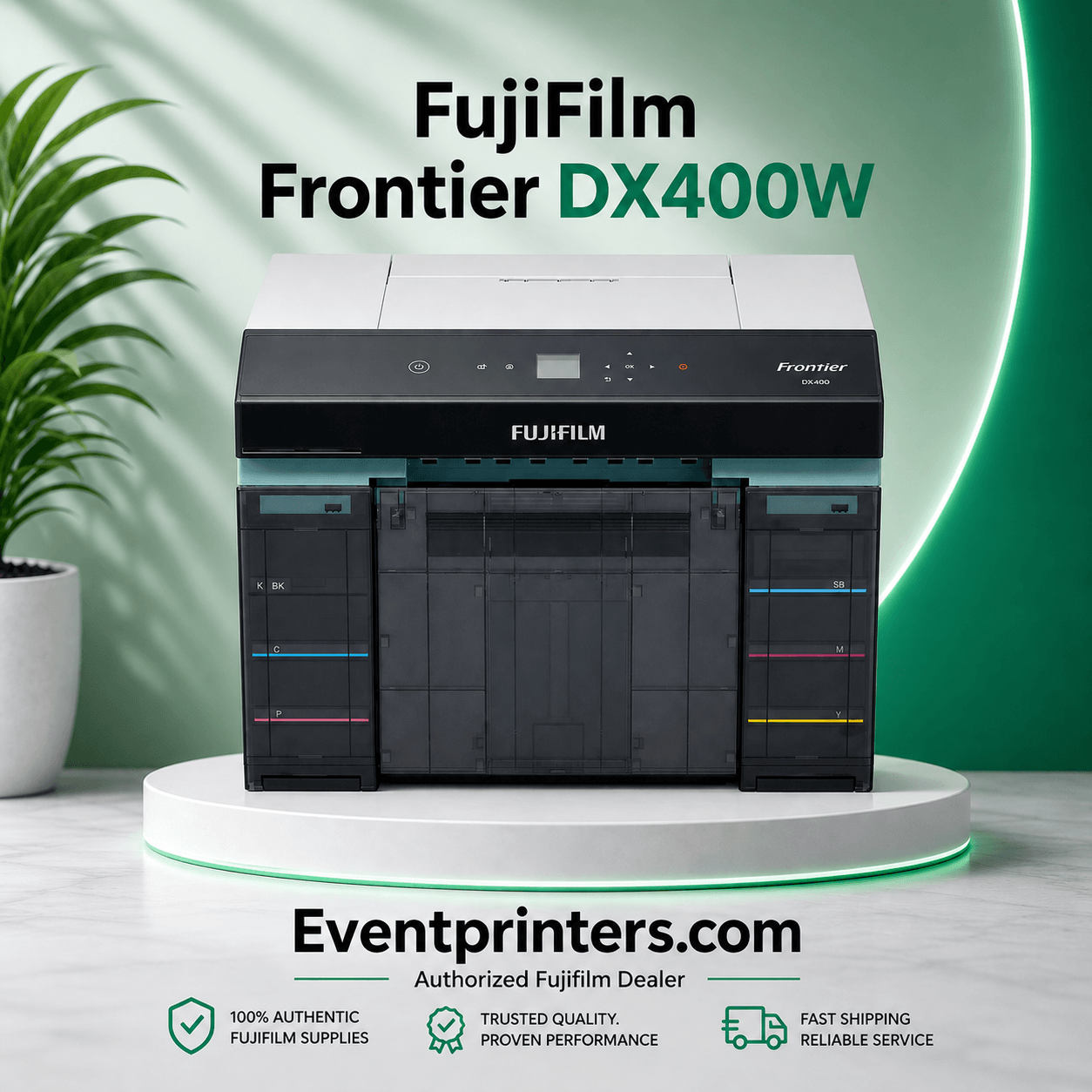
FUJIFILM Frontier DX400W Professional Photo Printer
The FUJIFILM Frontier DX400W is a compact professional six-color inkjet photo printer designed for photo labs, studios, retailers, schools, attractions, portrait businesses and other commercial photo-printing environments that need flexible print sizes from one machine.
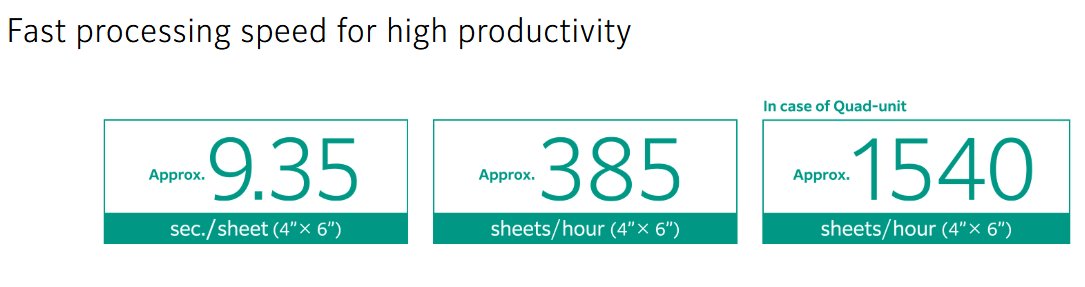
It produces a 4×6 photo in approximately 9.4 seconds in Standard mode, uses six 250 mL dye-based ink supplies and supports roll-paper output from approximately 3.5 × 2 inches through 8.3 × 39.4 inches.
The DX400W requires all six ink colors — Black, Cyan, Magenta, Yellow, Pink and Sky Blue — plus compatible FUJIFILM dry photo paper before you can print. If this is your first DX400W, we recommend ordering a complete six-color ink set and the appropriate paper at the same time.
Is the DX400W the Right Printer for Your Business?
- Professional photo-lab image quality
- Multiple print sizes from one compact printer
- 4×6, 5×7, 8-inch and long-format photo products
- Six-color photographic inkjet output
- USB and wired-network connectivity
- A compact replacement or upgrade path from the DX100
- Retail, studio, school, lab or attraction production
- Your primary business is mobile photo booths
- You print almost exclusively 2×6 strips and 4×6 photos
- You frequently transport the printer between events
- You prefer a simple fixed-yield media workflow
For those applications, consider a professional dye-sublimation printer such as the DNP DS620A.
What You Need to Start Printing
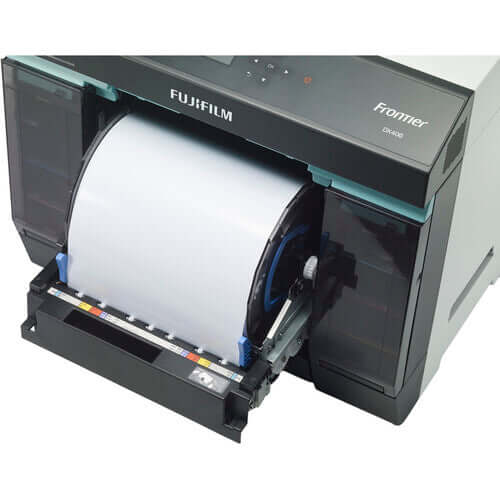
The compact professional printer and its standard hardware.
Cyan, Magenta, Yellow, Black, Pink and Sky Blue. Each contains 250 mL.
Choose the correct paper width and Glossy or Luster finish for your application.
Why Businesses Choose the FUJIFILM DX400W
Cyan, Magenta, Yellow and Black are supplemented by Pink and Sky Blue for professional photographic reproduction.
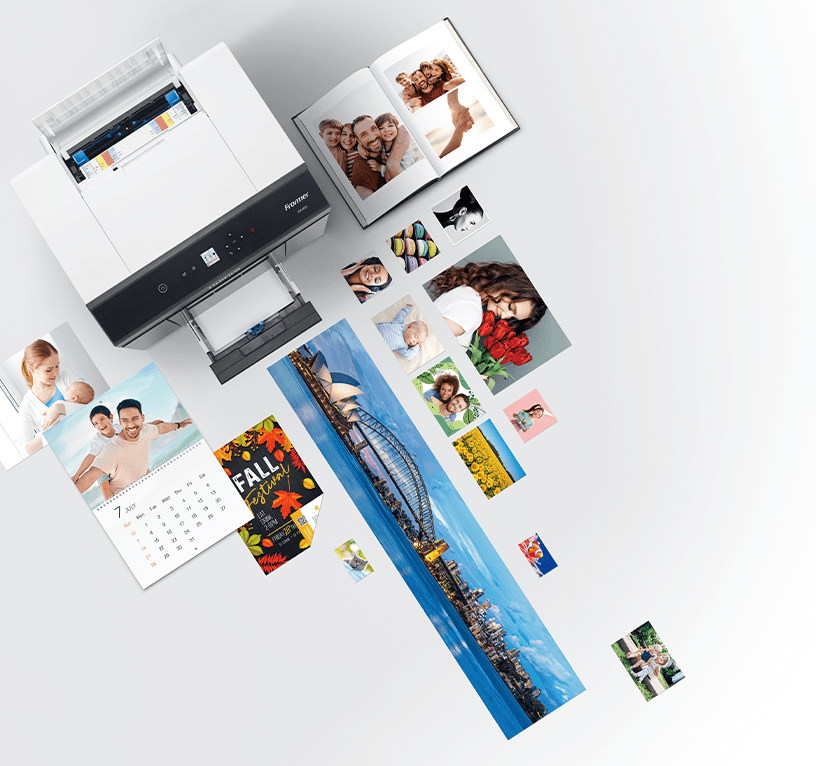
Produce small photographic prints, standard retail sizes, 8-inch products and long-format images from one printer.
FUJIFILM specifies a footprint of approximately 0.17 m², useful for counters and production areas with limited space.
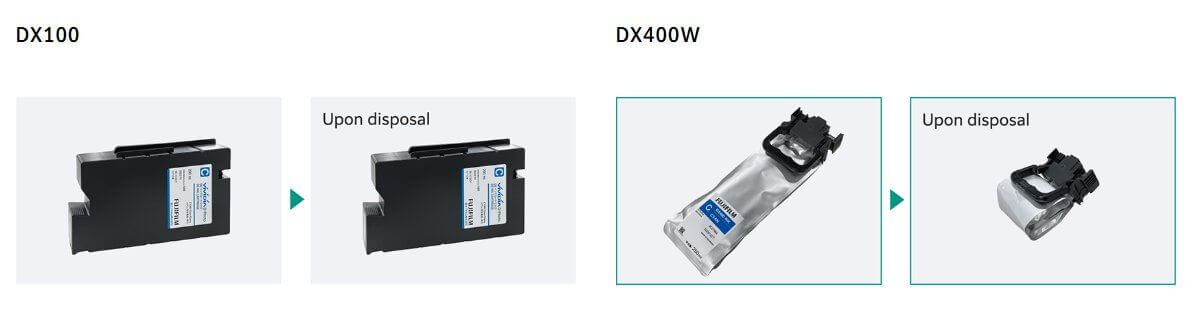
Each DX400W ink supply contains 25% more ink than the 200 mL DX100 cartridge it replaces.
The DX400W supports direct USB connection plus wired LAN for more flexible fixed commercial installations.
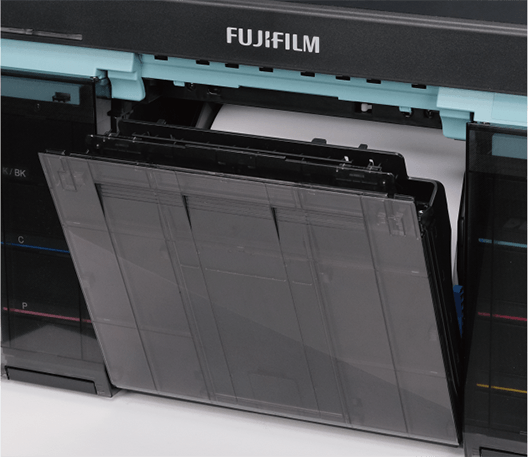
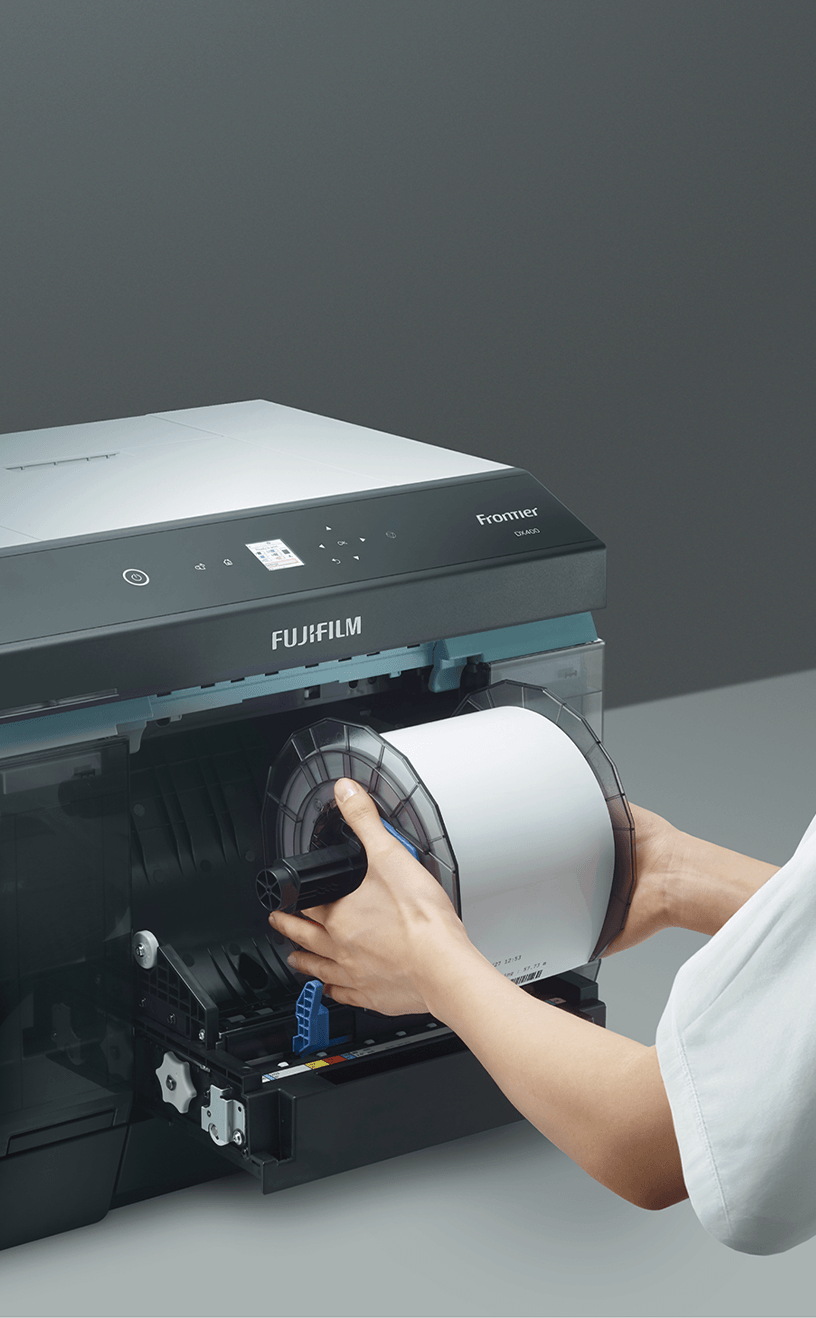
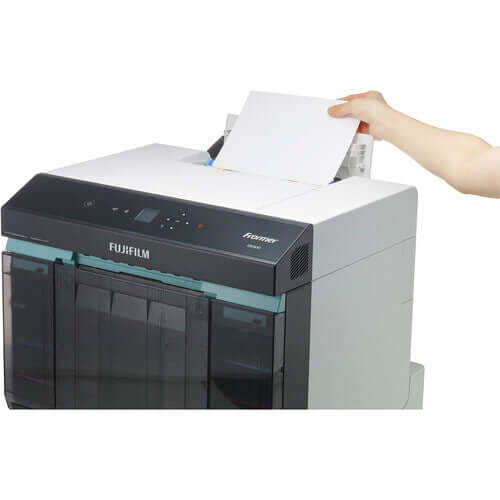
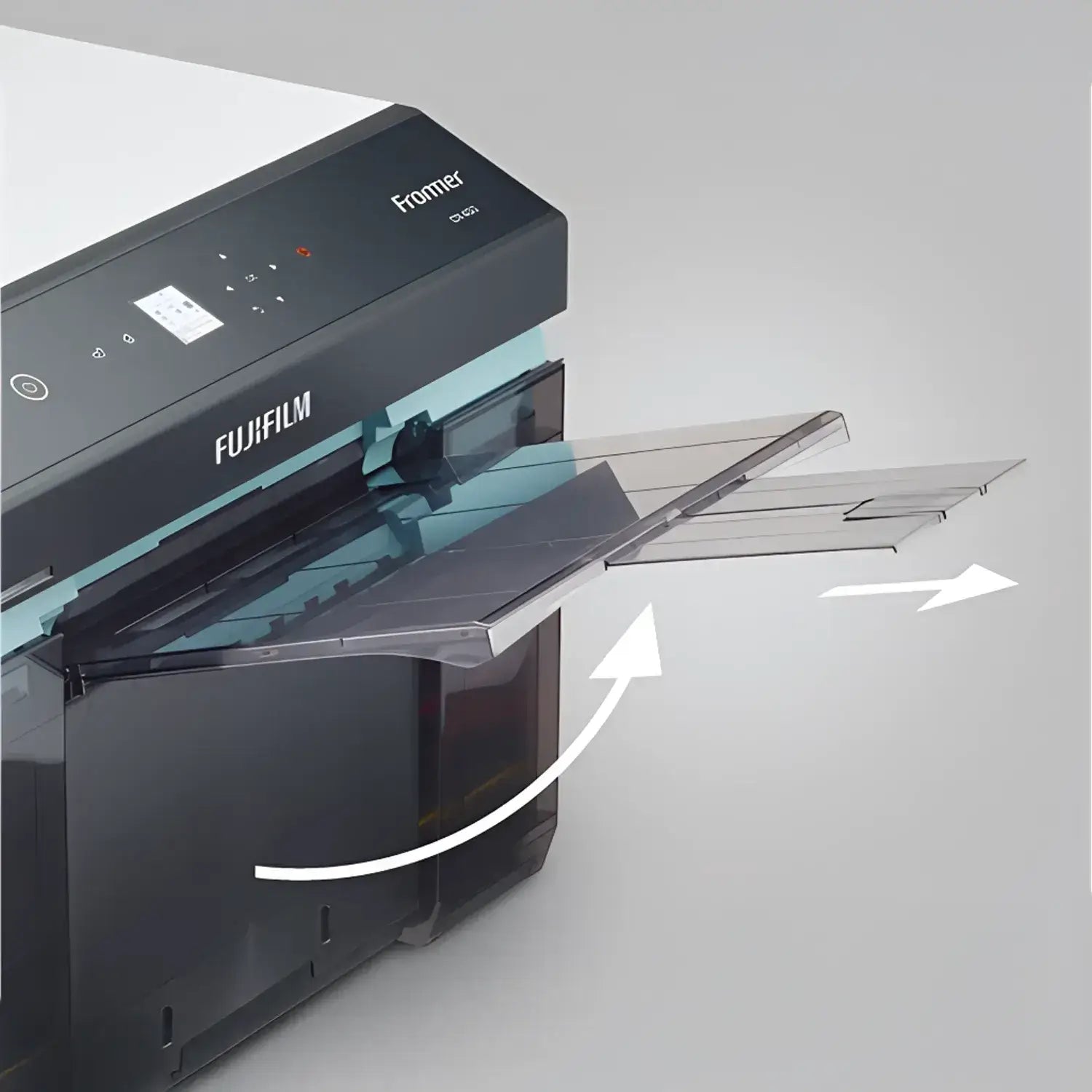
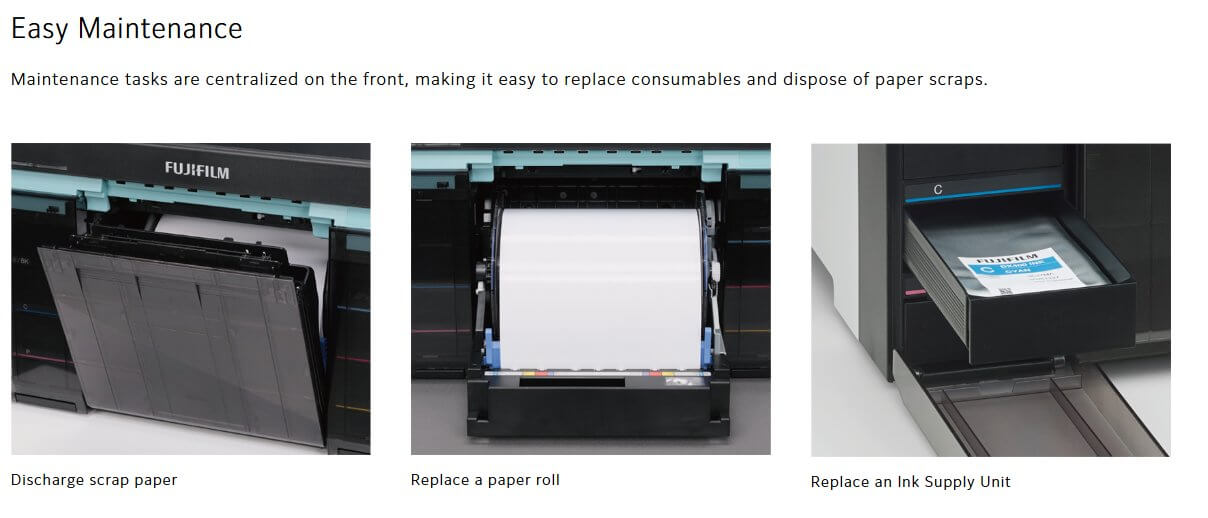
Routine paper, ink and scrap-paper handling is designed around accessible day-to-day commercial operation.
CMYK + Pink + Sky Blue
The Frontier DX400W uses six individual dye-based 250 mL ink supplies: Cyan, Magenta, Yellow, Black, Pink and Sky Blue.
FUJIFILM developed the six-color system for professional photographic output, including faithful reproduction of skin texture and subtle color changes.
All six colors must be installed for normal printing. DX100 cartridges and DX400W ink supplies are different and are not interchangeable.

FUJIFILM DX400W Print Sizes
The DX400W supports finished roll-paper output from 89 × 50 mm to 210 × 1,000 mm, approximately 3.5 × 2 inches through 8.3 × 39.4 inches.
| Photo Product | Typical Application |
|---|---|
| Small / ID-Style Prints | Passport, identification and document-photo workflows |
| 4×6 Photos | Retail orders, events, everyday photo production |
| 5×7 Prints | Portraits, weddings, school packages and upgrades |
| 8×10 / 8×12 Class | Portrait, studio, school and professional enlargements |
| Long-Format Prints | Panoramic and specialty photographic products up to 39.4 inches long |
Fast Professional Photo Production
FUJIFILM specifies approximately 9.4 seconds per 4×6 sheet in Standard mode. This makes the DX400W suitable for commercial environments where customers expect professional photo output without long waits.
Actual throughput depends on print mode, file processing, workflow, print size, computer configuration and operating conditions.
Windows and Mac Support
As of October 2026, FUJIFILM's U.S. DX400W support page provides Printer Driver / Maintenance Tool downloads for both Windows and Mac OS.
Because operating-system compatibility can change as new versions are released, we strongly recommend verifying your exact Windows or macOS version on FUJIFILM's current driver page before purchasing.
The DX400W supports USB and wired LAN connectivity. Built-in Wi-Fi is not listed by FUJIFILM as a standard connection method.

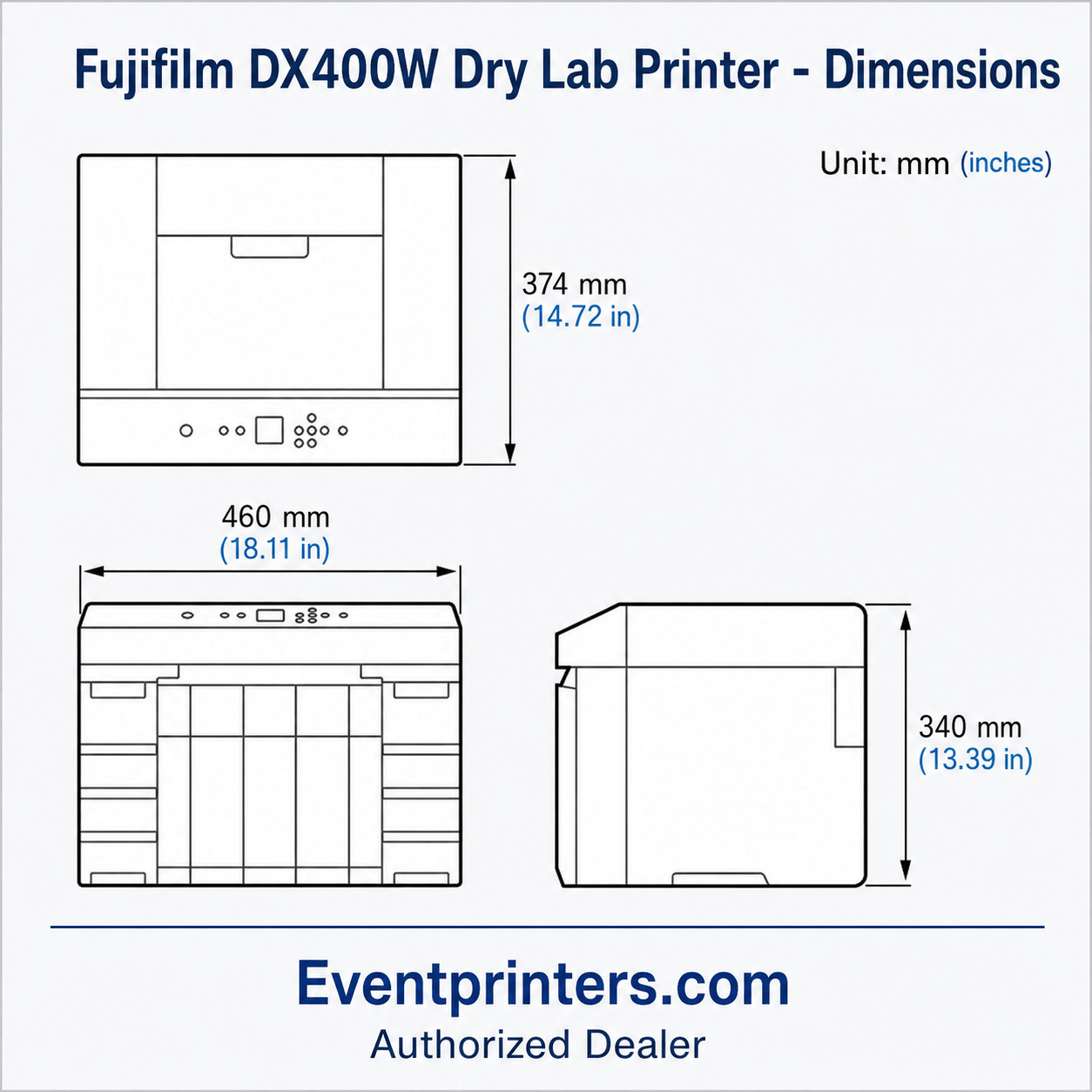
DX400W Size & Weight
The printer measures approximately 18.1 × 14.7 × 13.4 inches (460 × 374 × 340 mm).
Weight is approximately 39.5 lb / 17.9 kg, excluding paper and ink supplies.
Its compact footprint works especially well for fixed retail counters, studios, labs and other professional production areas where space matters.
FUJIFILM Frontier DX400W Specifications
| Printer Type | Professional compact inkjet photo printer / dry lab |
| Print Modes | Draft, Standard, High Quality |
| Resolution |
Draft: 720 × 360 dpi Standard: 720 × 720 dpi High Quality: 1440 × 720 dpi |
| 4×6 Standard Speed | Approx. 9.4 seconds per sheet |
| Print Size Range | 89 × 50 mm to 210 × 1,000 mm |
| Ink System | 6-color dye-based: C, M, Y, K, Pink, Sky Blue |
| Ink Capacity | 250 mL per color |
| Paper Loading | 1 roll |
| Paper Finishes | Glossy / Luster |
| Connectivity | USB + wired LAN |
| Footprint | 0.17 m² |
| Power Consumption | 80 W manufacturer specification |
| Dimensions | 460 × 374 × 340 mm / approx. 18.1 × 14.7 × 13.4" |
| Weight | 17.9 kg / approx. 39.5 lb excluding paper and ink |

Professional Photo Printer Specialists
EventPrinters.com is operated by Southtrend Corp., an Authorized FUJIFILM Dealer serving the professional printing industry since 1996.
We specialize in professional photo printers and genuine OEM consumables. If you are comparing the DX400W with another printer, need help choosing the correct ink and paper, or are planning a larger installation, contact us before ordering.
We also welcome inquiries for multiple printers, recurring consumables, institutional purchases and volume quotations.
Helpful DX400W Resources
FUJIFILM DX400W FAQ
Does the FUJIFILM DX400W include ink?
No. The six printing ink supplies are sold separately. You need Black, Cyan, Magenta, Yellow, Pink and Sky Blue before printing.
Does the DX400W include photo paper?
Photo paper is purchased separately. Choose the correct FUJIFILM roll-paper width and finish for the print products you intend to offer.
How fast does the DX400W print a 4×6?
FUJIFILM specifies approximately 9.4 seconds per 4×6 sheet in Standard mode.
How many ink colors does the DX400W use?
Six: Cyan, Magenta, Yellow, Black, Pink and Sky Blue. Each supply contains 250 mL.
Does the DX400W work with Mac?
As of October 2026, FUJIFILM's U.S. support page lists a Printer Driver / Maintenance Tool for Mac OS. Verify your exact macOS version on FUJIFILM's current download page before purchasing.
Does the DX400W work with Windows?
Yes. FUJIFILM currently provides Windows driver and maintenance-tool downloads for the DX400W. Verify your exact Windows version before ordering.
Does the FUJIFILM DX400W have Wi-Fi?
FUJIFILM specifies USB and wired LAN connectivity. Built-in Wi-Fi is not listed as a standard DX400W connection method.
Is the DX400W good for photo booths?
It can be useful for event businesses that want broad print-size flexibility. For operators printing primarily 2×6 strips and 4×6 photos at mobile events, a dedicated dye-sublimation printer may provide a simpler workflow.
What is the largest print size?
FUJIFILM specifies roll-paper output up to 210 × 1,000 mm, approximately 8.3 × 39.4 inches.
Can I buy all six DX400W inks together?
Yes. EventPrinters.com offers a complete six-color DX400W ink set with one genuine 250 mL supply of each required color.
Where can I buy DX400W ink, paper and maintenance supplies?
Browse the EventPrinters.com DX400W printer and supplies collection for genuine FUJIFILM consumables and related products.
Can EventPrinters.com provide a volume quotation?
Yes. Contact us for multiple printers, recurring consumables, commercial installations, institutional purchases and volume requirements.
Make Sure the DX400W Fits Your Workflow
A professional printer is an important purchase. If you are unsure about print sizes, computer compatibility, ink and paper requirements, or whether the DX400W is the best printer for your application, contact EventPrinters.com.
Manufacturer specifications and operating-system compatibility may change. Review current FUJIFILM documentation before installation. EventPrinters.com / Southtrend Corp. is an independent Authorized FUJIFILM Dealer.