Professional Photo Booth Operations Guide
Your photo booth can have excellent lighting, a beautiful template and great software—but if the printer stops during a wedding or corporate event, the problem becomes visible to every guest standing in line.
A professional photo booth backup plan is therefore not just about owning spare equipment. It is a planned system for keeping the event moving when media runs out, a USB cable fails, Wi-Fi becomes unreliable, software stops communicating with the printer, or the primary printer itself becomes unavailable.
Written by EventPrinters.com — Authorized DNP dealer serving the professional photo printing industry since 1996.
Reviewed and updated: August 11, 2026
This guide combines current manufacturer information with our dealer perspective on professional event-printing workflows.
What Should Be in a Photo Booth Printer Backup Plan?
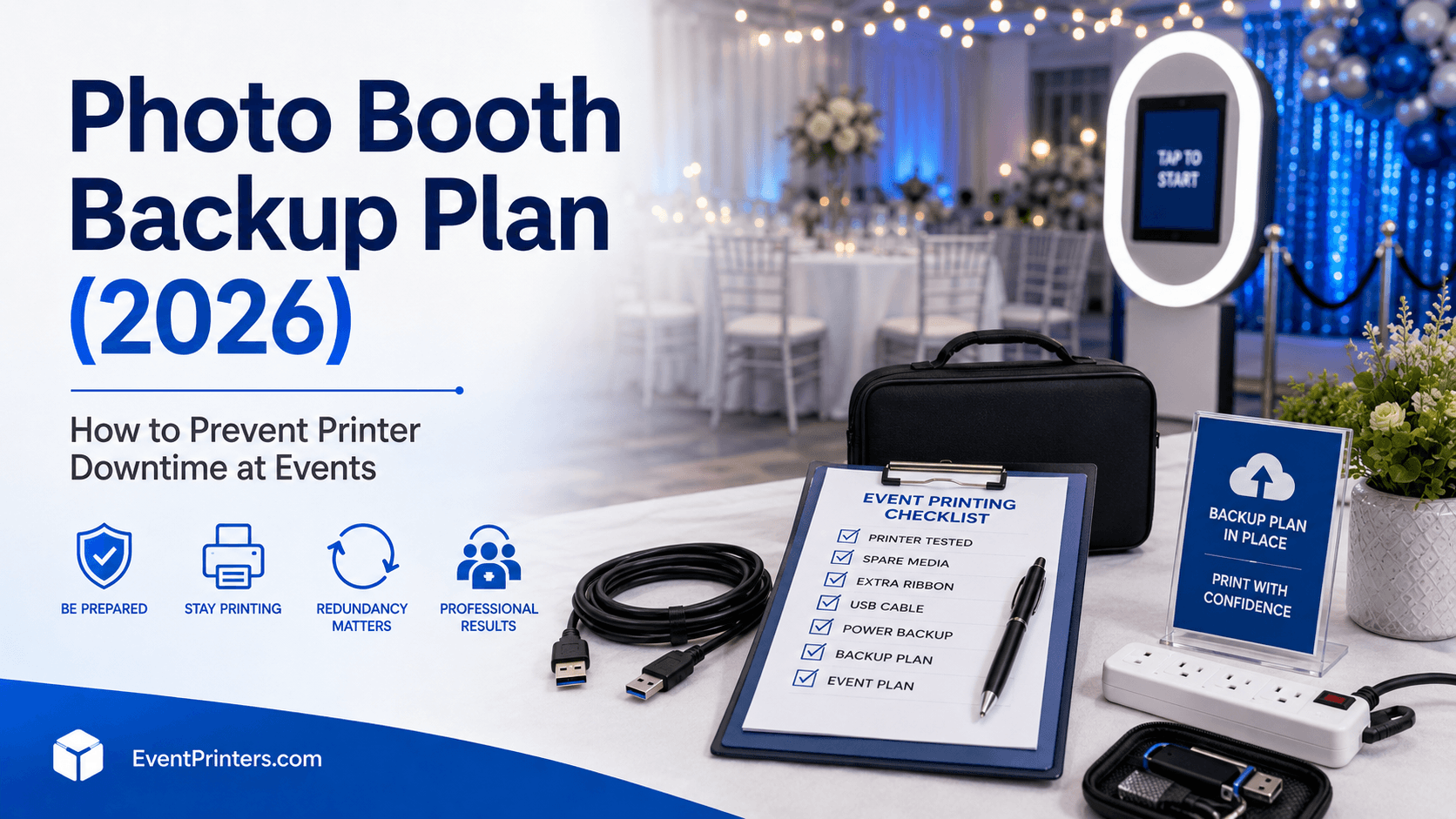
At minimum, a professional print-based photo booth should have spare media, spare critical cables, a tested connection fallback, a power contingency, saved working software settings and a digital delivery fallback.
For events where physical printing is contractually important or a printer failure would create a serious client-service problem, consider carrying a second compatible photo printer.
The most important principle is simple: your backup is not a backup until you have tested it before the event.
Why Photo Booth Redundancy Matters
In a digital-only photo booth, a temporary printing problem does not exist because there is no printer. Once physical photographs are part of the service, however, the printer becomes a critical part of the guest experience.
A good redundancy plan does not assume that every possible failure can be prevented. Instead, it asks: If this component stops working, what is the next working path?
Primary Path
Camera → booth software → print queue → printer → physical photo.
Fallback Path
A pre-tested alternative such as another cable, direct USB, secondary printer, alternate network connection or digital delivery until printing is restored.
The professional difference: redundancy is not having random spare equipment in the car. Redundancy means knowing exactly what you will switch to when a specific part of your workflow fails.
The 7 Layers of a Professional Photo Booth Backup Plan
Carry More Printer Media Than You Expect to Use
Never plan an event around using exactly your estimated number of prints. Guest behavior varies, clients sometimes request additional copies, and test prints consume media before the event begins.
Our recommendation is to arrive with your projected media requirement plus at least one complete spare media set.
Carry Spare Critical Cables
USB cables are inexpensive compared with the value of an event. A damaged connector or intermittent cable should not be allowed to stop a professional print service.
Carry a known-good replacement for every cable that can stop the printer, camera or essential booth computer from operating.
Have a Tested Printer-Connection Fallback
If your normal workflow is wireless, understand how you will print if the wireless path becomes unavailable. If your normal workflow is direct USB, keep a second known-good USB cable ready.
Do not wait until an event to discover whether your backup connection requires another driver, print queue or software setting.
Protect the Power Path
Know which outlets power the booth computer, printer, lighting and networking equipment. Use appropriate professional power distribution and keep cables protected from guest traffic.
If your business uses portable power equipment, test the complete printing system under that exact power configuration before taking it to a paid event.
Save a Known-Good Software Configuration
The printer can be functioning perfectly while the wrong print size, orientation, queue, template or cutter setting produces unusable output.
Before every event, confirm the actual event template using the actual printer and media that will be used onsite.
Maintain a Digital Delivery Fallback
If the booth can continue capturing photographs but physical printing temporarily stops, a working digital-delivery option can keep the guest experience moving while the operator troubleshoots.
Depending on your booth platform, this may include email, SMS, QR-code delivery or an online gallery.
Decide Whether the Event Justifies a Second Printer
Not every new photo booth business can economically carry two professional printers to every booking. But as the value and complexity of your events increase, a spare printer becomes easier to justify.
Think of the second printer as business continuity equipment—not as unused inventory.
Plan Printer Media Around Rolls, Not Just Cases
One of the easiest mistakes to make is looking at the number of prints listed on a case and assuming that is the uninterrupted printer capacity. Professional dye-sublimation media cases normally contain multiple media sets.
For example, current standard DNP 4×6 media capacities are:
| Printer | 4×6 / Roll | Rolls / Case | Total / Case | Operational Consideration |
|---|---|---|---|---|
| DNP DS620A | 400 | 2 | 800 | Faster 4×6 output, but a media change is required after approximately 400 prints. |
| DNP DS-RX1HS | 700 | 2 | 1,400 | Larger installed capacity can reduce media-change interruptions. |
Example: You Expect 450 4×6 Prints
A 450-print forecast fits within one 700-print RX1HS roll. On a DS620A, it exceeds the 400-print capacity of one standard 4×6 roll, so the operator should expect at least one media change.
That does not automatically make one printer better. The DS620A prints faster, while the RX1HS provides more 4×6 prints before a reload. The correct choice depends on whether queue speed or uninterrupted capacity matters more for the event.
Should a Professional Photo Booth Carry a Backup Printer?
There is no universal rule that every operator must own two printers. The better question is: What would a printer failure cost you at this particular event?
A second printer becomes increasingly reasonable when:
- physical prints are a major part of what the client purchased;
- the event is a high-value wedding, corporate activation or sponsored event;
- the location is far from your office or replacement equipment;
- the event runs outside normal supplier or technical-support hours;
- one operator is responsible for several hours of continuous printing;
- you operate multiple booths or simultaneous events;
- downtime could damage an important planner, venue or corporate relationship.
Dealer perspective: Advanced Exchange coverage and an onsite backup printer solve two different problems. Manufacturer exchange service protects the business after a qualifying hardware failure. A spare printer protects tonight's event.
What Is the Best Backup Printer for a Photo Booth?
In many businesses, using the same printer model as both primary and backup is operationally simplest because the media, driver configuration and operator training can remain consistent.
But different printers can make sense when portability or complementary capabilities are important.
| Printer | Backup Advantage | Consideration | Good Fit |
|---|---|---|---|
| DS620A | Fast 4×6 output and compact 6-inch professional platform | Standard 4×6 roll holds 400 prints | Operators already using a DS620A or prioritizing queue speed |
| DS-RX1HS | 700-print 4×6 roll capacity | Larger and slower than DS620A | Long events and capacity-first workflows |
| QW410 | Under 13 lb and highly portable | Different media and smaller maximum print format | Businesses where minimum backup weight is important |
Important: If your backup printer is a different model, treat it as a completely separate system. Carry its correct media, verify its driver and print queue, and run an actual test print before leaving for the event.
Compare the current DNP options in our Best DNP Photo Booth Printers 2026 Guide .
Wireless Photo Booth Printing Needs a Backup Plan Too
Wireless printing can make a booth installation cleaner and more flexible, but it adds networking to the print path.
DNP's current WCM Plus Wireless Connect Module is compatible with printers including the DS620A, DS820A, QW410 and DS-RX1HS. DNP lists approximately 10–12 seconds for 4×6 wireless transfer and supports simultaneous printing from many devices.
WCM Plus also provides three USB printer ports, allowing up to three compatible DNP printers to be connected simultaneously.
Do not confuse wireless convenience with redundancy. If your entire booth depends on one wireless path, losing that path can still stop printing even when the printer itself is functioning correctly.
If wireless is central to your service, document and test what your fallback will be before the event. Depending on your hardware and software configuration, that might be an alternate network mode or a previously configured direct printing workflow.
Read our DNP WCM Plus Wireless Printing Guide for a deeper explanation of compatible printers and wireless workflows.
Photo Booth Pre-Event Backup Checklist
A useful checklist should happen before guests are already waiting. We recommend splitting preparation into three stages.
24 Hours Before the Event
- Confirm the correct event file, template and print layout.
- Verify the printer driver and booth software configuration.
- Check your expected print count and pack sufficient media.
- Pack at least one additional media set beyond the planned requirement.
- Test the primary printer using the media size required for the event.
- Test the backup printer if one will be carried.
- Verify spare USB and other critical cables.
- Confirm digital delivery or gallery fallback is functioning.
At the Venue — Before Guests Arrive
- Confirm the printer is detected by the correct computer or print system.
- Verify the correct paper and ribbon/media set is loaded.
- Run a real 4×6 test print if the event uses 4×6 output.
- Run a real 2×6 test if photo booth strips will be offered.
- Check crop, orientation, borders, logos and sponsor graphics.
- Confirm the cutter behavior for strip layouts.
- Check all critical cables for secure connections and strain.
- Test wireless printing if the event will use it.
- Put backup media and cables somewhere the operator can reach quickly.
Final Full-Workflow Test
- Start a complete guest session.
- Capture the photograph.
- Apply the actual event template.
- Send it through the real print queue.
- Wait for the physical print.
- Inspect the final photograph under the venue lighting.
- Test digital sharing if it is part of the package.
A successful test is not “the printer appears in Windows.” A successful test is a finished physical photograph produced through the same capture-to-print workflow your guests will use.
What Should You Do if the Photo Booth Printer Stops During an Event?
Troubleshooting is much easier when the operator already knows the order in which to isolate the problem.
Protect the Guest Experience First
If possible, keep capture and digital delivery operating while printing is investigated. Avoid creating a larger queue around the printer.
Determine Whether the Printer Is Actually the Problem
Check printer status, media, print queue, connection and booth software before assuming the printer hardware has failed.
Replace the Simplest Failure Points First
A known-good spare cable or previously tested connection fallback is faster to evaluate than dismantling the entire booth.
Switch to the Backup Printer if Necessary
If the primary printer cannot be restored quickly and a tested backup is available, moving the print queue to the backup can be more professional than performing extended troubleshooting in front of guests.
Preserve the Images for Reprints
Make sure the photographs remain saved so prints that were missed during an interruption can be reproduced later.
Why DNP Advanced Exchange Is Important—but Not Your Event Backup
DNP's Advanced Exchange program is valuable protection for a professional printing business because it is designed to reduce downtime following an approved qualifying equipment failure.
Current DNP information states that approved exchange units are shipped through a two-day replacement process, with shipping timing depending on when the support request and replacement approval occur.
That means Advanced Exchange cannot replace an onsite redundancy plan. If your printer fails at 8:00 p.m. during a Saturday wedding, manufacturer exchange service does not put another printer next to the booth five minutes later.
Think of them as two layers:
Onsite Backup Printer
Protects the current event when immediate printing continuity is required.
Manufacturer Exchange Coverage
Helps restore your normal equipment inventory after a qualifying failure, subject to the manufacturer's current terms.
7 Common Photo Booth Backup Mistakes
- Carrying spare media that does not match the printer.
- Owning a backup printer but never testing it with the event computer.
- Assuming the case print count equals one uninterrupted roll.
- Carrying spare cables without knowing whether they actually work.
- Testing a 4×6 layout but forgetting to test 2×6 strip cutting.
- Relying completely on venue Wi-Fi without testing the actual printing workflow.
- Changing drivers, firmware or major software settings immediately before an important event without enough time to test the complete system afterward.
Our Dealer Recommendation
For a new photo booth business, the first priority should be to build one dependable, thoroughly tested printing system and carry redundancy for the inexpensive failure points: media, cables and connection options.
As the business grows and starts accepting higher-value weddings, corporate events, school functions and multi-booth bookings, a second professional printer becomes increasingly reasonable business insurance.
If you buy a second printer primarily as an emergency replacement, matching your existing printer model has a major operational advantage: the same media inventory and a familiar workflow.
If portability is more important, a smaller printer may make sense—but remember that a different model can require different media and different print-size planning.
Most importantly, do not confuse ownership with preparedness. A backup printer that has not been configured and test-printed from your event computer is just another printer in the car.
Photo Booth Printer Planning Resources
Photo Booth Backup Plan FAQ
Do I really need a backup printer for a photo booth business?
Not every beginning operator needs to own two printers immediately. A second printer becomes more valuable as you accept higher-value events where physical prints are an important contractual part of the service and printer downtime would have serious consequences.
What should I always carry as photo booth printer backup equipment?
At minimum, carry extra correct printer media, known-good spare critical cables, your required power accessories and a tested connection fallback. A digital-delivery fallback is also useful when the booth software supports one.
How much extra printer media should I take to an event?
Plan for your forecast usage and carry additional media rather than arriving with exactly the projected number of prints. Our recommendation is at least one complete spare media set beyond the planned requirement.
Is 1,400 RX1HS prints one roll?
No. Standard RX1HS 4×6 media contains two 700-print rolls per case. One installed roll therefore provides 700 4×6 prints before a media change is required.
Is 800 DS620A prints one roll?
No. Standard DS620A 4×6 media contains two 400-print rolls per case. One installed roll provides 400 4×6 prints.
Should my backup printer be the same model as my primary printer?
It often simplifies operations because the same media and familiar configuration can be used. A different model can also work, but its media, drivers, settings and print-size capabilities should be tested and packed separately.
Can a DNP QW410 be used as a portable backup printer?
It can be considered when portability is a priority. DNP lists the QW410 at under 13 lb, but it uses different media and has different print-size capabilities from the DS620A and RX1HS, so it is not a drop-in replacement for every workflow.
Does WCM Plus replace the need for USB?
No. WCM Plus adds the wireless portion of the workflow, while the compatible DNP printer remains physically connected to WCM Plus. Your backup plan should account for both networking and the physical printer connection.
Does DNP Advanced Exchange mean I do not need a backup printer?
No. Advanced Exchange helps reduce longer-term business downtime after an approved qualifying failure, but it does not provide an immediate replacement during an event already in progress.
What is the most important test before a photo booth event?
Run a complete session using the actual event configuration: capture a photograph, apply the event template, send it through the real print workflow and inspect the finished physical print.
How This Guide Was Developed
EventPrinters.com is an authorized DNP dealer serving the professional photo printing industry since 1996. This article was developed for working photo booth operators and event photographers rather than as a generic equipment checklist.
Manufacturer specifications referenced in this guide were checked against current DNP Imagingcomm America product, media, WCM Plus and Advanced Exchange information in August 2026.
Operational recommendations—such as carrying spare media, testing the complete workflow and evaluating whether a second printer is justified— are presented as EventPrinters.com dealer guidance rather than manufacturer requirements.
We do not claim that any backup strategy can eliminate every possible event failure. The objective is to remove avoidable single points of failure and give the operator a planned recovery path.
Official Manufacturer Resources
Build a Photo Booth Printing System You Can Depend On
Need help selecting a primary printer, backup printer, media supply or wireless setup? Tell us your event type, expected print volume, preferred print size and current equipment. We can help you compare the DNP DS620A, DS-RX1HS, QW410 and WCM Plus options.
Questions? 305-653-0037 · info@eventprinters.com