



Description
Genuine Fujifilm replacement ink
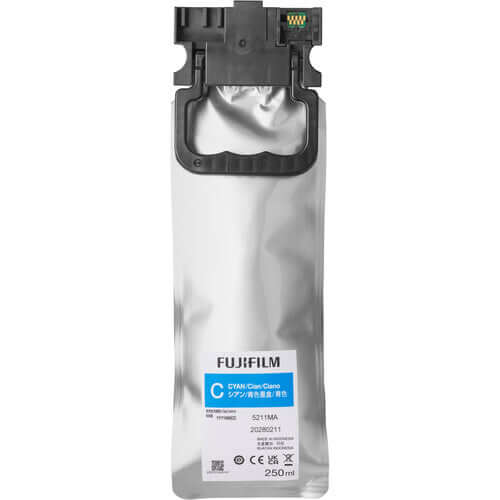
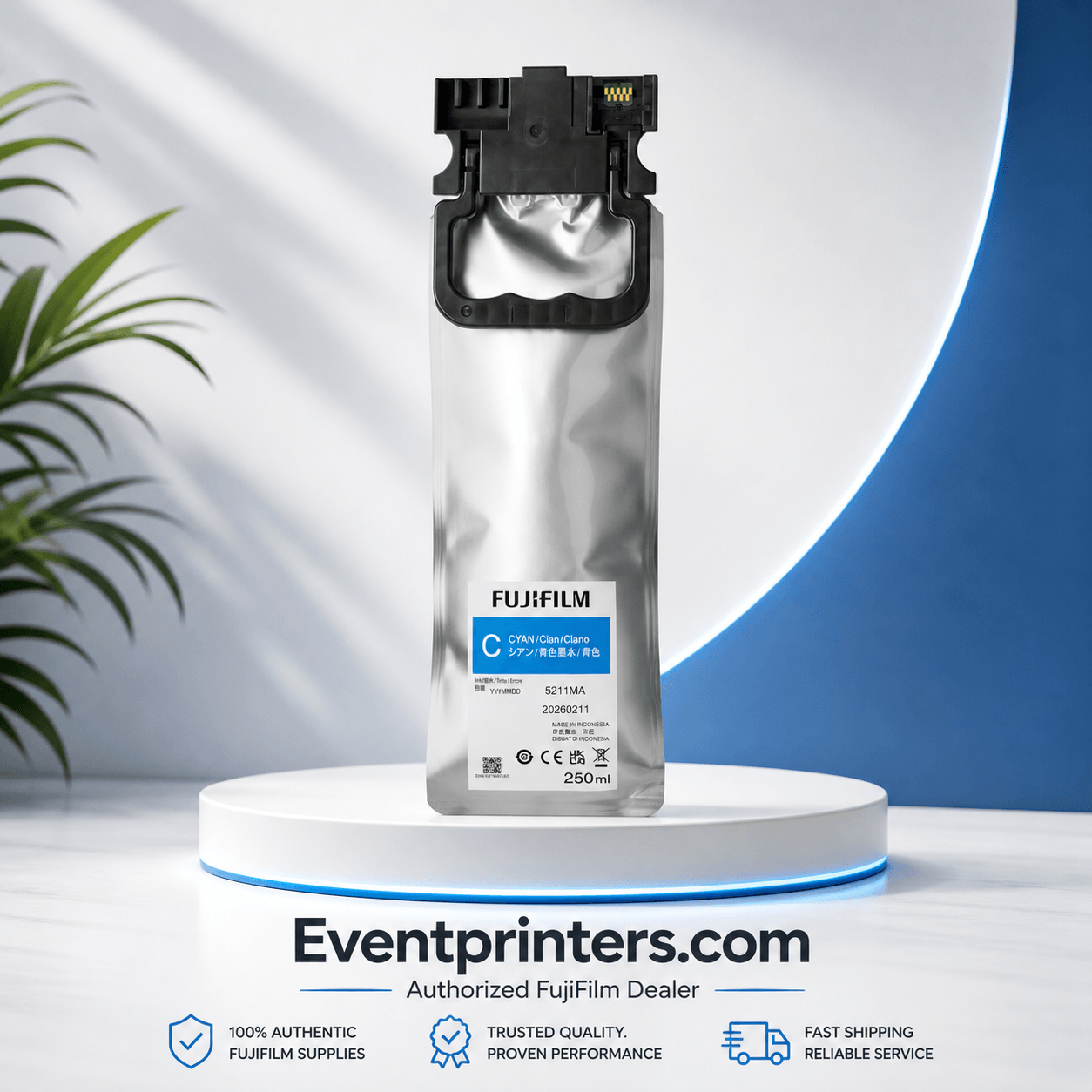
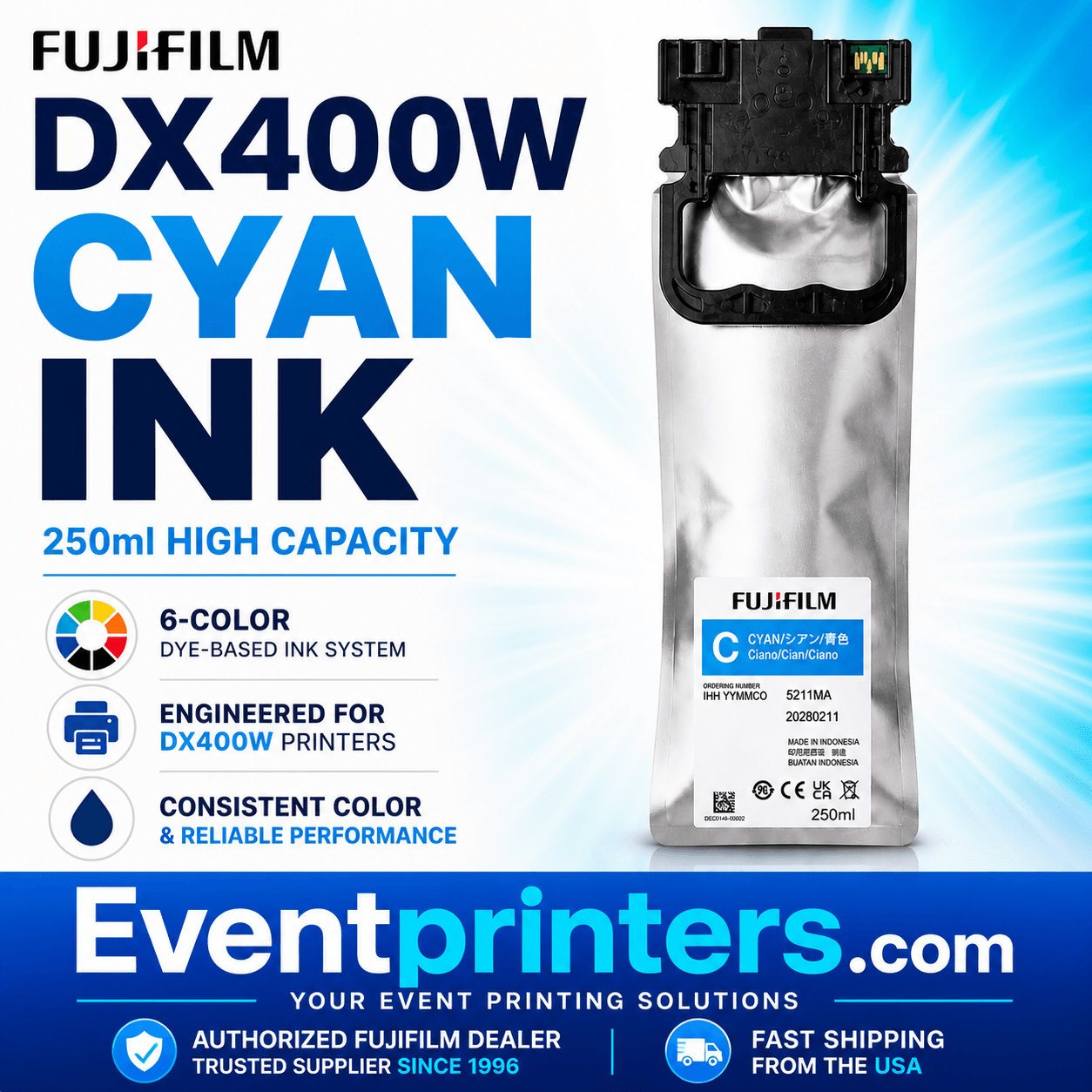
Fujifilm DX400W Cyan Ink 250ml — Part Number 16821004 is a genuine OEM ink supply unit for the Fujifilm Frontier DX400W dry lab photo printer. This listing includes one factory-sealed 250ml Cyan pouch for the printer's C ink channel.
Order the color you need with confidence from EventPrinters.com, an authorized Fujifilm dealer serving the printing industry since 1996.
Confirm Your Printer and Ink Color
Match Frontier DX400W, Cyan (C), and 16821004 when ordering. Cyan and Sky Blue are separate ink supplies in the DX400W’s six-color system. If your printer indicates C, select this Cyan pouch.
What you receive: One 250ml Cyan ink supply unit. This is an individual replacement color; the complete six-color set is sold separately.
Product Specifications
| Manufacturer | Fujifilm |
|---|---|
| Manufacturer part number | 16821004 |
| Compatible printer | Fujifilm Frontier DX400W |
| Ink color / channel | Cyan / C |
| Ink type | Dye-based ink |
| Volume | 250ml |
| Supply format | Pouch-style ink supply unit |
| Quantity included | 1 ink supply unit |
| Product condition | New, factory sealed |
| Supply type | Genuine OEM Fujifilm |
Cyan in the DX400W Six-Color System
The Frontier DX400W uses Cyan, Magenta, Yellow, Black, Sky Blue, and Pink. Fujifilm describes this six-color system as supporting rich tonal gradation and accurate color reproduction for photographic printing. Cyan is one of the four CMYK foundation colors. This pouch replenishes the Cyan channel for your ongoing photo production; the separate Sky Blue supply remains part of the complete system.
The cartridge-free pouch format also reduces packaging waste. Fujifilm reports approximately 49% less waste by weight compared with the DX100 for its ink pack method.
Replacing Your Cyan Ink Supply
- Wait until the printer finishes operating, then check the control panel for the color requiring replacement.
- Open the appropriate ink supply cover and remove the tray and used unit.
- Install the new unit, check the color label, return the tray, and close the cover. Avoid touching the unit's chip.
Follow Fujifilm's illustrated ink replacement instructions and user's guide for the complete procedure.
Frequently Asked Questions
Can I use Sky Blue instead of Cyan?
No. Cyan is channel C, part number 16821004. Sky Blue is channel SB, part number 16821030. They occupy separate channels and are not interchangeable. Match the color shown by your printer before ordering.
When should I replace the Cyan pouch?
The control panel identifies Cyan as C. A low-ink notice means you should prepare a replacement; printing can continue until the replacement notice appears. Leave the existing unit installed until the new one is ready.
How should I store replacement ink?
Store at room temperature away from direct sunlight. Fujifilm recommends using the ink by the package's use-by date or within one year of installation, whichever comes first.
Can I replace only Cyan?
Yes, this listing lets you purchase Cyan individually. All six colors must remain installed for printing.
Should I replace Cyan and Sky Blue together?
Use the printer’s individual ink-level notices to decide which color to replace. You can order Cyan separately or combine it with other supplies you need. Do not assume both channels will need replacement at the same time.
Shop the Other DX400W Ink Colors
Restock individual colors or order the complete set for your supply shelf.
Shop the Complete Six-Color Ink Set
For help planning your supplies, read our Fujifilm DX400W ink buying guide .
Buy Genuine Fujifilm Ink from EventPrinters.com
EventPrinters.com is operated by Southtrend Corp. We are an authorized Fujifilm dealer and have served the printing industry since 1996, supplying professional printers and consumables to photo labs, studios, retailers, and event photography businesses.
Free ground shipping on orders over $149 within the contiguous United States. Combine the colors you need in one order.
Need help confirming the correct ink or a quotation for a larger order? Call 305-653-0037 Monday–Friday, 9am–5pm Eastern Time, or email info@eventprinters.com.
Manufacturer references: DX400W ink specifications, six-color system and ink pack information, and user's guide and replacement instructions.